Exam Countdown: How Many Days Until Your Exam

To count down to an exam, create a countdown set to the exact date and start time of the paper, add it as a widget on your home screen and lock screen, and share it with the people revising alongside you. With Reach it takes about a minute and it is free. From then on the number updates itself every morning: "48 days until Paper 1."
Why an exam countdown works when a calendar does not
Ask any student when their exams are and you will usually get a vague answer: "sometime in June," "after Easter," "in about two months." That vagueness is the problem. A brain that cannot see the deadline cannot plan against it, so revision keeps sliding to next week.
An exam countdown replaces the fog with a number. "Sometime in June" becomes 73 days, then 72, then 71. Three things change the moment that number is on your screen:
- The deadline becomes finite. Two months sounds infinite. Sixty-one days sounds like something you can divide into chapters.
- Every day counts visibly. A day skipped is not abstract any more. The number moved and your notes did not.
- You stop rechecking the date. No more opening the exam timetable PDF for the fifth time this week. The answer is already on your lock screen.
A calendar tells you what is happening today. A countdown tells you how much runway is left. During a revision period, the second question is the one that matters.
Does counting down to an exam make the stress worse?
This is the honest objection, and it deserves a straight answer: a countdown on its own can add pressure, a countdown attached to a plan removes it.
What actually fuels exam anxiety is uncertainty: not knowing how much time is left, not knowing whether the remaining time is enough, not knowing where to start. A number does not create that feeling. It puts a boundary around it. "I have 41 days and 6 chapters" is a workload. "Exams are coming" is a threat with no edges.
The countdown turns against you in exactly one case: when the number is the only thing you look at and nothing is attached to it. Two fixes, both quick:
- Attach milestones to the countdown. Do not keep a single countdown to "exams." Keep one per paper, and treat the days between them as the plan (see below).
- Turn off the seconds in the final week. Watching hours, minutes and seconds tick down is motivating at 40 days out and unhelpful at 2 days out. Switch to the day-level widget and let the live one go.
If a glance at the number makes you want to open your notes, it is working. If it makes you want to close your phone, drop back to the day-level widget and put the plan back in front of the number.
How to add an exam countdown widget to your phone
Here is how to create an exam countdown widget step by step with Reach.
Step 1: Create your exam countdown
- Download Reach for free from the App Store or Google Play
- Tap the + button to create a new event
- Name it after the actual paper, not the season: "Maths Paper 1," "Biology Final," "SAT," "Driving Theory Test"
- Set the date and the start time of the exam, not just the day
- Choose a background photo: your campus, the course textbook, or the thing waiting for you on the other side
- Tap Create
Setting the start time matters more than it sounds. On the morning of the exam, "1 day" is useless information. "4 hours 12 minutes" tells you exactly how long you have to eat, revise your summary sheet and get to the room.
Step 2: Add the widget to your home screen
- Long-press on your home screen until apps jiggle
- Tap Edit in the top-left corner
- Search for Reach
- Choose a widget size (the medium size shows your photo and the countdown together)
- Tap Add Widget
For a full walkthrough with screenshots, see our illustrated iPhone widget guide.
Step 3: Put it on your lock screen
This is the step that changes behaviour. You unlock your phone dozens of times a day during a revision period, and most of those unlocks are procrastination. Putting the countdown on the lock screen means the number reaches you before the distraction does.
The live countdown widget on the iPhone lock screen updates in real time: days, hours, minutes and seconds. If you also wear an Apple Watch, the countdown complication on your watch face puts the same number on your wrist.
Create one countdown per paper, not one for "exams"
This is the single biggest difference between a countdown that helps and a countdown that just sits there.
"Exams" is not a date. It is a block of two to six weeks containing five or ten separate events, each with its own syllabus and its own preparation. A single countdown to the first day of the session tells you nothing about the paper you should actually be revising for this evening.
Create one countdown per paper instead:
- Maths Paper 1: 42 days
- Maths Paper 2: 45 days
- History: 51 days
- Chemistry Practical: 58 days
Suddenly the list is a priority order. The subject at the top of the list is the subject that needs tonight. When the first paper is done it drops off, the next one moves up, and the plan updates itself without you rewriting anything.
Share the countdown with your study group
- Open the countdown you just created
- Tap the Share button
- Send the link to your classmates, your revision group, or the friend on the same course
- Everyone who taps the link joins the same countdown automatically
Revising alone is where motivation goes to die. When four people are watching the same number tick down, the "has anyone started the past papers yet" message writes itself. It also fixes a small but real problem: everyone in the group is working from the same date, so nobody turns up having revised for the wrong paper. See our guide to shared countdowns with friends for more on how this works.
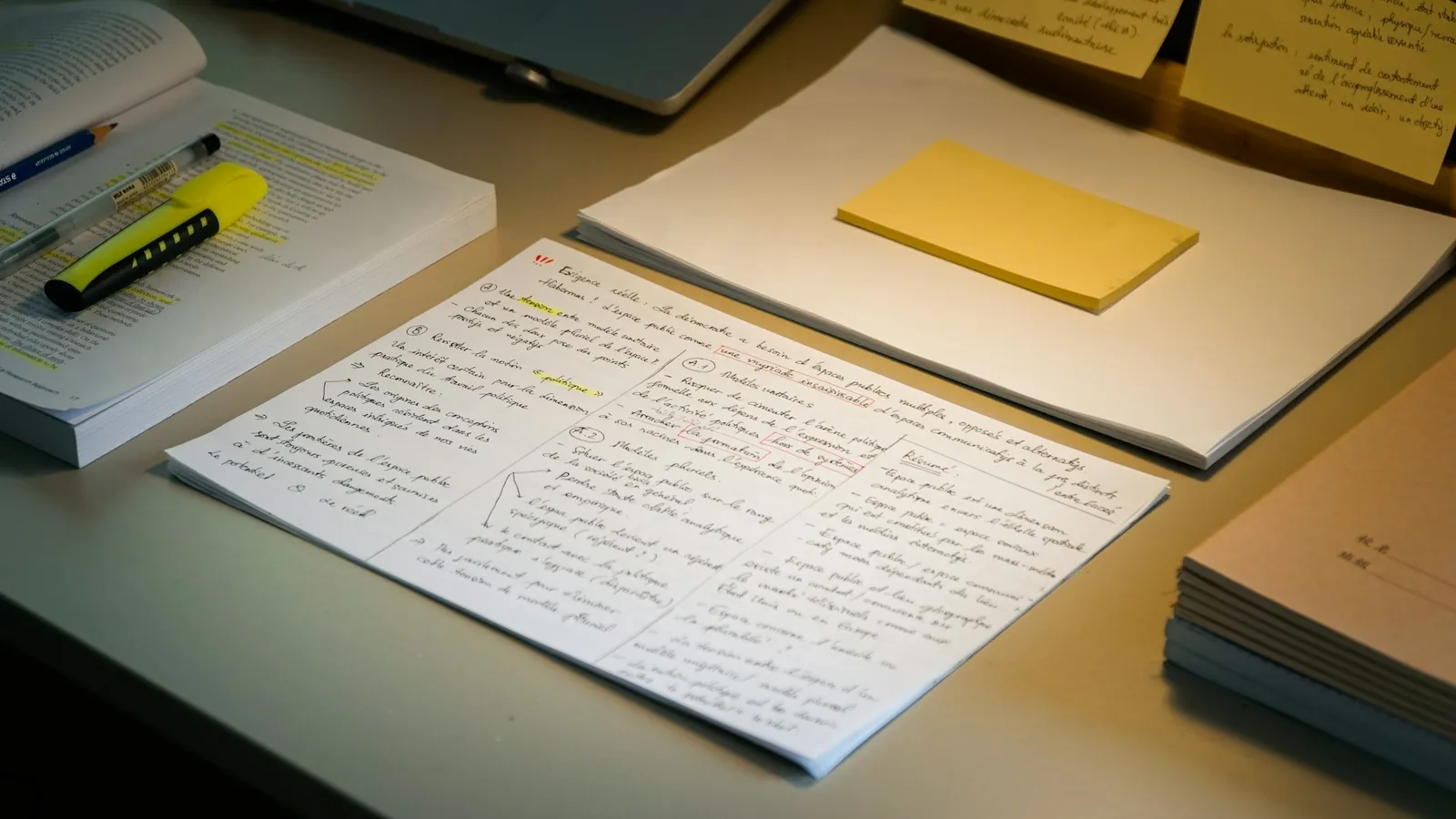
Turn the countdown into a revision plan
The number is the trigger. The plan is what you attach to it. Here is how the same countdown should be read at different distances from the exam.
100 days out: draw the map
Too early to revise, exactly the right time to plan. Count the papers, count the chapters, divide by the number of weeks. At 100 days a syllabus that looks impossible usually turns out to be two chapters a week. Create the countdowns for every paper now, while you are calm, so you never have to look up a date again.
30 days out: switch to past papers
One month is the point where rereading notes stops paying and answering questions starts. If you have not done a full paper under time pressure yet, this is the week. Use the countdown to book those sessions: one timed paper per remaining weekend is a rule you can actually keep.
7 days out: stop learning, start rehearsing
The last week is not for new material. It is for summary sheets, formulas, dates, and getting your sleep back onto the exam schedule. This is also the week to turn the live seconds off, keep the day count, and let the number be a reminder rather than a drumbeat.
The night before: set it to the start time
With the countdown pinned to 9:00 AM rather than to the day, the final hours become concrete: bag packed, ID and calculator ready, alarm set with room to spare. On the morning itself, "2 hours 40 minutes" is a genuinely useful number.
After the exam: count down to results day
When the paper is over the countdown flips into a count-up ("6 days since the last paper"), and most students immediately create the next one: results day. It is the same waiting problem, and it deserves the same widget. If your results lead somewhere, the natural follow-up is a graduation day countdown.
Exam seasons around the world
If you are wondering roughly when your exam countdown should start, here is when the main national exams usually fall. Months, not dates: every board publishes its own timetable each year, so always confirm yours before setting the countdown.
| Country | Main exam | Usual season |
|---|---|---|
| France | Baccalauréat | June |
| United Kingdom | GCSEs and A-levels | May to June |
| United States | SAT, ACT, college finals | Several dates a year; finals in December and May |
| Germany | Abitur | March to June, varies by state |
| Spain | EBAU (Selectividad) | June, with a July resit |
| Italy | Esame di Maturità | June |
| Netherlands | Centraal examen | May |
| Poland | Matura | May |
| Greece | Panhellenic exams | Late May to June |
| Turkey | YKS (TYT and AYT) | June |
| Russia | Unified State Exam (EGE) | Late May to June |
| China | Gaokao | Early June |
| Taiwan | GSAT, then the subject tests | January, then July |
| South Korea | Suneung (CSAT) | A Thursday in November |
| Japan | Common Test | Mid-January |
| India | Board exams, JEE, NEET | January to May |
| Vietnam | National high school exam | Late June |
| Brazil | ENEM | Two Sundays in November |
Need the exact figure rather than the season? Our countdown calculator gives you the number of days between today and any date, including working days only.
Every kind of exam deserves its own countdown
School leaving exams 🎓
Baccalauréat, A-levels, Abitur, Matura, Gaokao, Suneung. One session, several papers, months of preparation and a result that decides where you go next. This is the countdown that families end up sharing: parents follow it quietly, and everyone knows which paper is next without asking.
University finals 📚
Finals week is short, dense and repeats twice a year. Create a countdown per module the day the timetable is published, and let the order of the list decide what you revise tonight.
Entrance and admission tests 📝
SAT, ACT, GRE, GMAT, LSAT, MCAT, JEE, NEET, UTBK, YKS. These are booked months in advance, which makes them the ideal countdown: you know the date long before you feel ready, and the number keeps the preparation honest.
Language certifications 🗣️
TOEFL, IELTS, TOEIC, DELF, JLPT, HSK, Goethe-Zertifikat. Language exams reward steady daily work more than any other kind, which is exactly what a visible daily number encourages.
Professional exams ⚖️
The bar exam, CPA, medical boards, nursing licensure, actuarial papers. Long preparation, high stakes, and usually alongside a full-time job. A countdown on the lock screen is the difference between studying on a schedule and studying when the guilt gets loud enough.
Driving tests 🚗
Theory and practical. A short countdown, but a genuinely useful one: it tells you how many lessons you still have room for before the date.
Exam countdown widget vs. a calendar reminder
Your exam is already in your calendar. Here is why a dedicated exam countdown widget does something a calendar entry cannot:
| Feature | Calendar reminder | Reach |
|---|---|---|
| Shows the days left, at a glance | You have to count | Updated automatically |
| Visible without unlocking your phone | Buried in the calendar app | Home and lock screen widget |
| Counts down to the exact start time | Alerts you, then goes quiet | Days, hours, minutes, seconds |
| Shared with your study group | Everyone tracks separately | One countdown, whole group |
| One entry per paper, ordered by urgency | Mixed in with everything else | A clean priority list |
| Keeps going after the exam | The event disappears | Flips into a count-up to results day |
A note for parents
If your child is sitting exams this year, a shared countdown is a low-friction way to stay involved without asking "have you revised?" every evening. You see the same number they see, so you know which paper is next and how close it is. The conversation shifts from checking up to checking in.
- Let them own the countdown. They create it, they share the link. A countdown imposed from outside becomes one more thing to resent.
- Use it for logistics, not pressure. Knowing that Chemistry is in 9 days is how you plan the quiet evenings, the lifts and the early breakfast.
- Add results day too. The wait after the exams is often harder than the exams themselves, and it is much easier to sit through together.
Frequently asked questions
How do I add an exam countdown widget to my phone?
Create the countdown in Reach with the exam date and start time, then long-press your home screen, tap Edit, search for Reach and pick a widget size. Put the same countdown on your lock screen too, since that is the screen you actually look at. It takes about a minute, it works on iPhone and Android, and it is free.
How do I count the days until my exam?
Set a countdown to the exam date and start time and let it do the counting. In Reach, create the event, add the widget, and the number updates itself every day. If you only want the figure once, our countdown calculator gives you the days between today and any date, with an option to count working days only.
Is Reach free for exam countdowns?
Yes. Creating and sharing exam countdowns is completely free, and so are the home screen and lock screen widgets. Premium is optional: it unlocks all widget types (including the live countdown and the list countdown), your own photos as backgrounds beyond the first 4 countdowns, and unlimited countdowns. The free version holds up to 10.
Can I create an exam countdown widget on Android?
Yes. Reach is available on both the App Store and Google Play, and the widgets work on both platforms.
Can I have a separate countdown for every paper?
Yes, and you should. One countdown per paper turns the list into a priority order: the exam at the top is the one that needs your evening. Each countdown is independent, shareable, and can have its own background photo.
Does a countdown make exam anxiety worse?
Not usually, because what drives exam anxiety is uncertainty rather than information. A number gives the workload edges: "41 days and 6 chapters" is a plan, "exams are coming" is not. If the live seconds start to feel like pressure in the final week, switch to the day-level widget and keep the plan in front of the number.
Can I share my exam countdown with my study group?
Yes. Tap Share and send the link to your classmates. Everyone who opens it joins the same countdown and can add the widget to their own phone, so the whole group works from the same date.
My exam date changed. Can I edit the countdown?
Yes. Open the countdown, change the date or time, and everyone you shared it with sees the new date immediately. Nobody keeps revising toward the old one.
What happens after the exam is over?
The countdown automatically flips into a count-up: "6 days since Paper 1." Most students delete it at that point and create the one that matters next, results day, then graduation.